

Stardew Valley Tracker icon

Desktop appFreeWindows 10/11 (64-bit)Version 1.0.0

Stardew Valley Tracker: a free checklist app for bundles, fish, the museum and Golden Walnuts

Everything you are tracking in Stardew Valley, in one free Windows app.

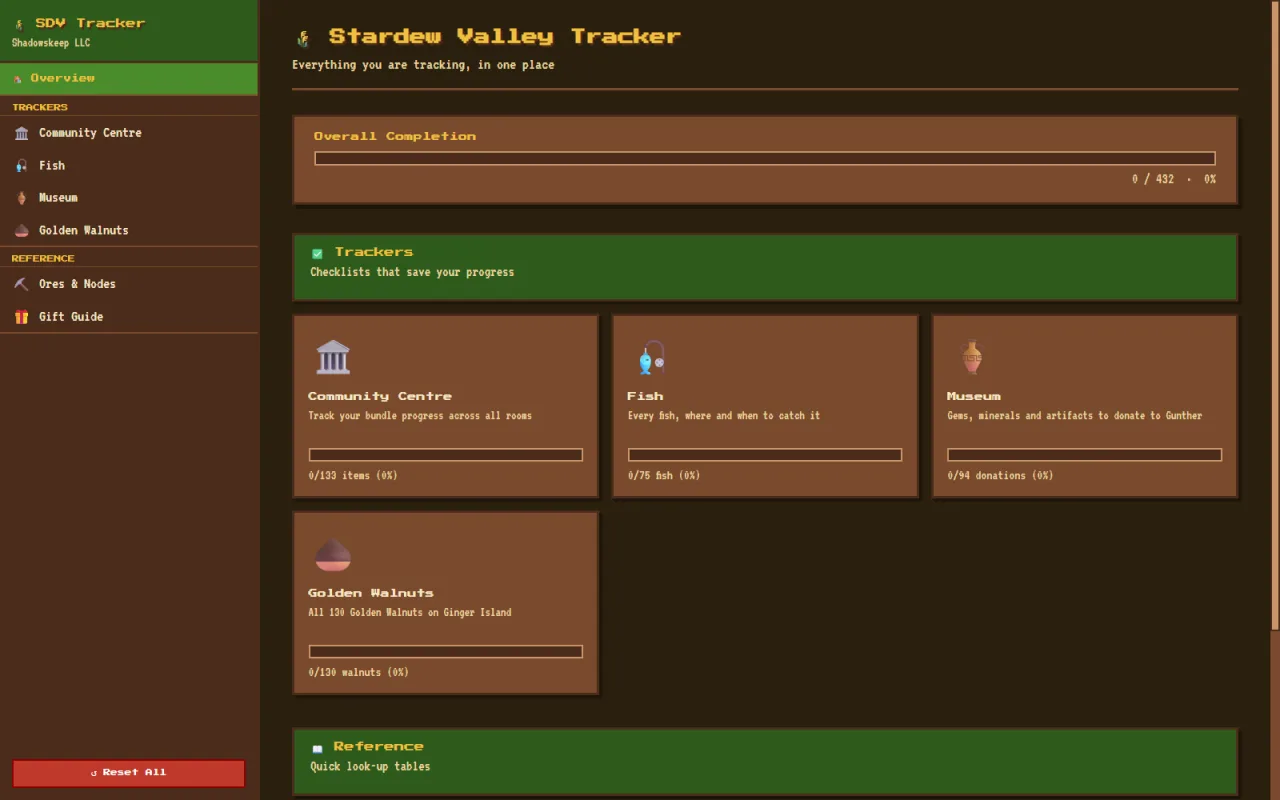
Stardew Valley Tracker is a free Windows desktop companion app for Stardew Valley. It keeps every checklist you would otherwise juggle between wiki tabs and paper notes in one place: every Community Center bundle (the game spells it Community Centre), all 75 fish, all 94 museum donations and all 130 Golden Walnuts on Ginger Island.

It works fully offline and your progress is saved locally on your PC. There is no account and no cloud.

Free · Windows 10/11 (64-bit) · v1.0.0

Stardew Valley Tracker overview screen showing overall completion and progress cards for the Community Centre, Fish, Museum and Golden Walnuts trackers

[ features ]

What Stardew Valley Tracker does

Community Centre bundle tracker

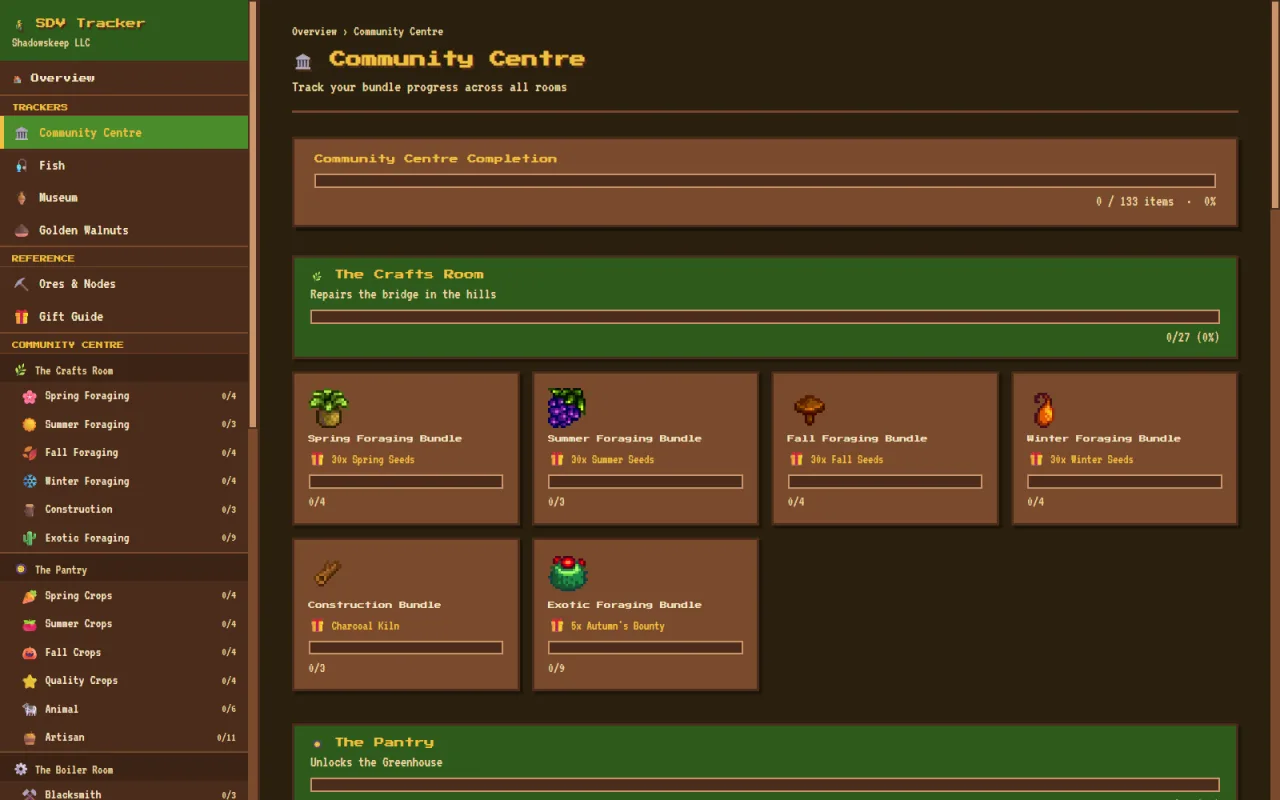
Every Community Centre bundle across all rooms, with a clickable region map. Each item shows its location, season, weather and time-of-day badges, difficulty stars, a hint, a "View on Wiki" link and space for your own notes.

Fish tracker

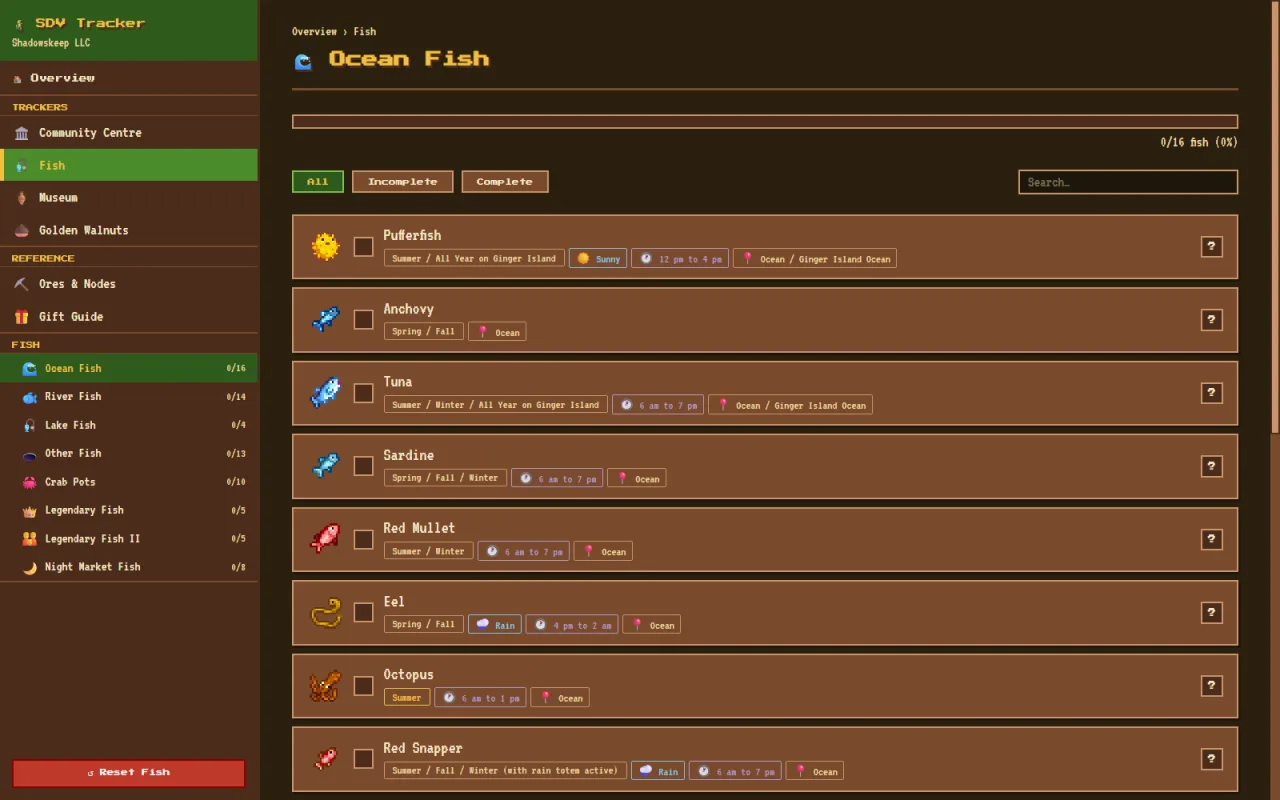
All 75 fish in 8 groups, each with the location, season, weather and time you can catch it.

Museum tracker

All 94 gems, minerals and artifacts you can donate to the museum, ready to tick off.

Golden Walnut tracker

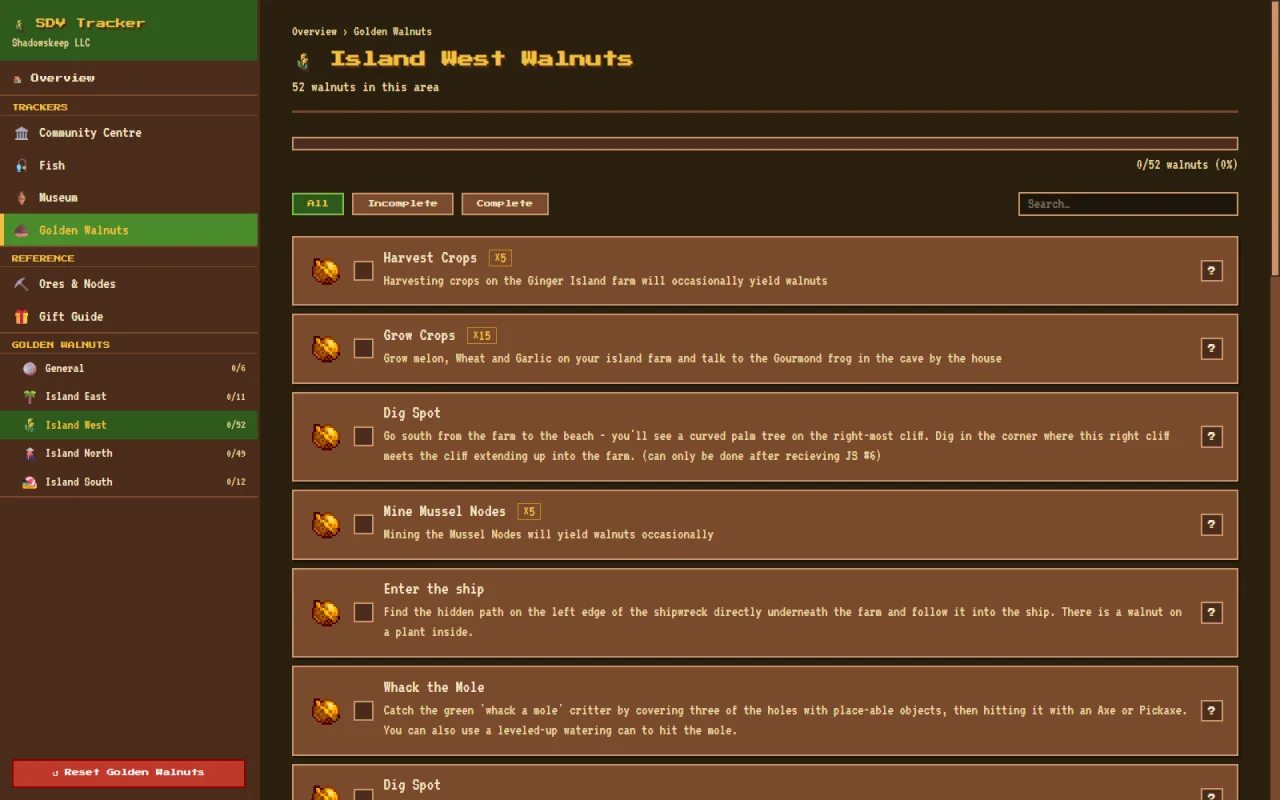
All 130 Golden Walnuts on Ginger Island, grouped by area. Entries that award several walnuts count fully towards your total.

Ores & Nodes reference

A quick look-up page for ores and nodes, with live search.

Villager Gift Guide

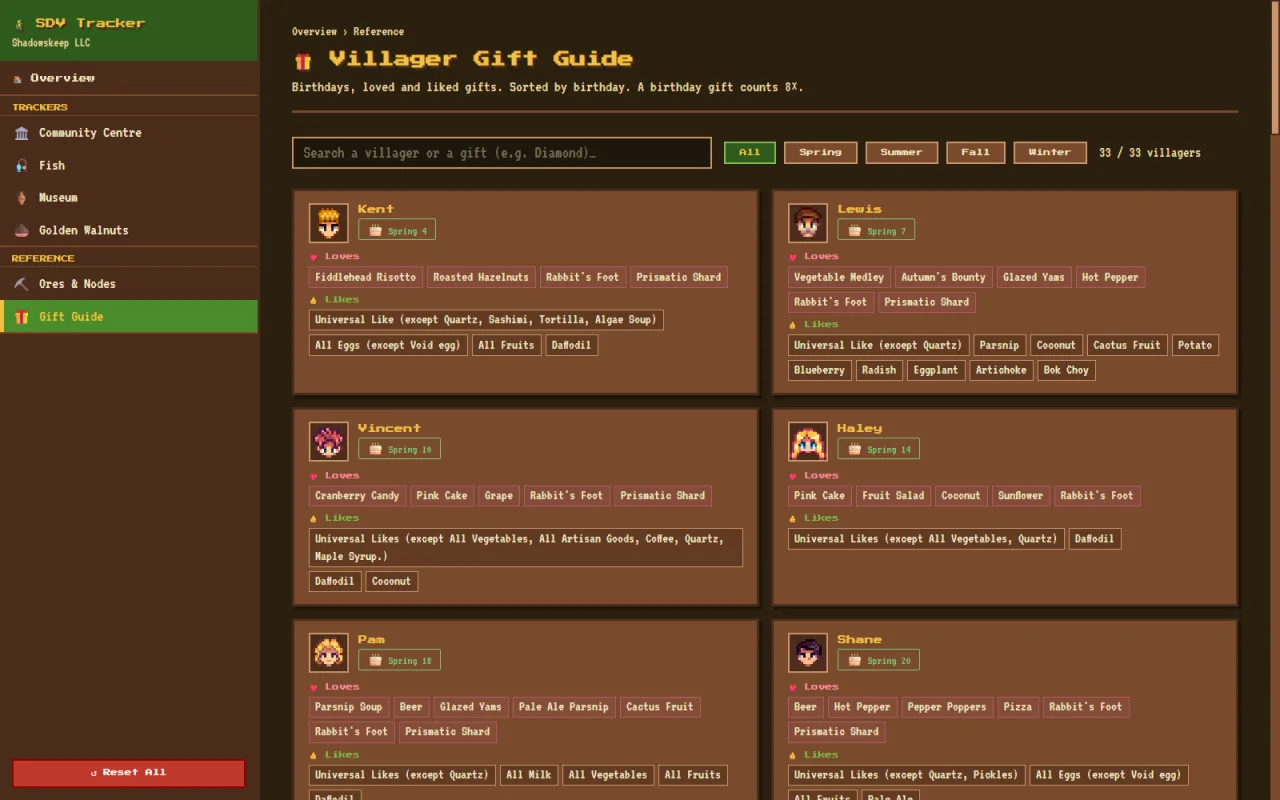
33 villagers sorted by birthday with their loved and liked gifts, a season filter, live search and a glossary of "Universal Likes".

Filters that combine

Combine complete or incomplete with a region and a search term to find exactly what is left. Each tracker can be reset on its own.

72 achievements

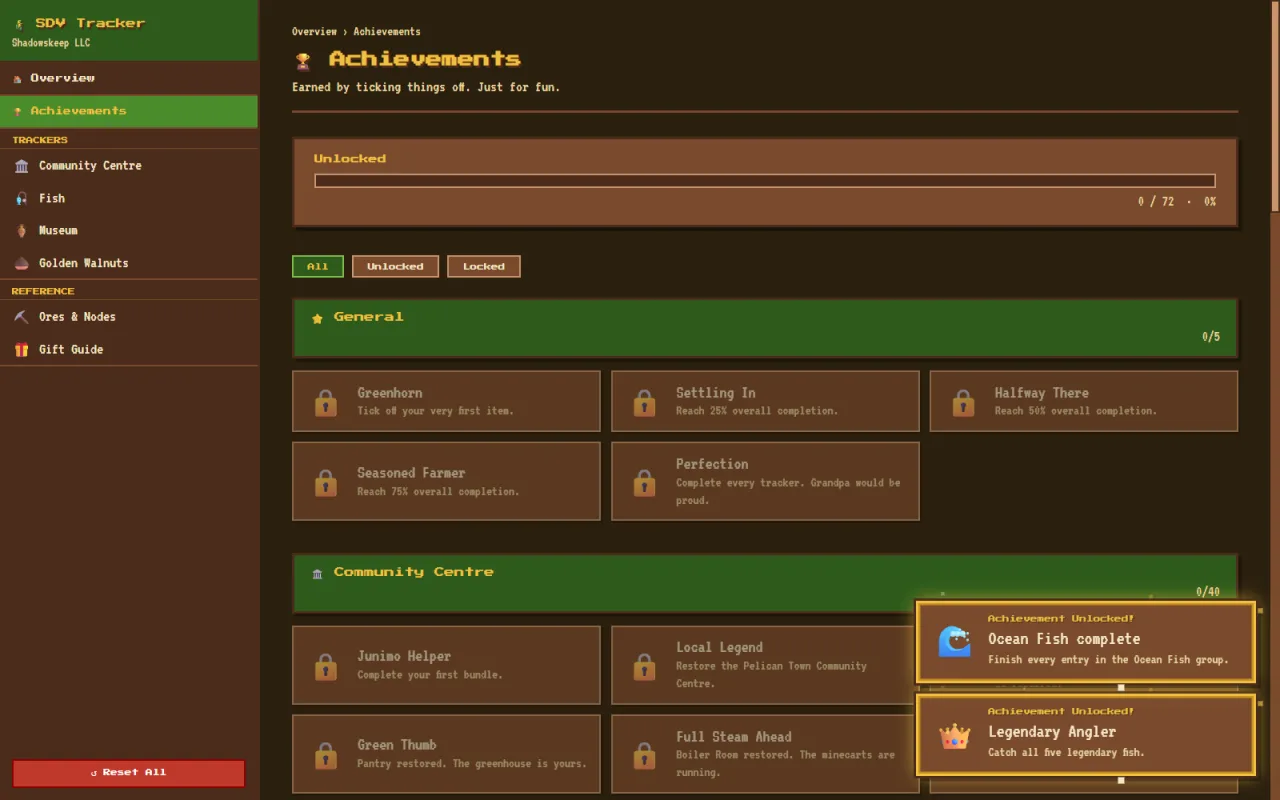
Earn 72 achievements with popups as you make progress, such as "Master Angler", "Local Legend" and "Qi's Guest".

Pixel-art look, comfortable size

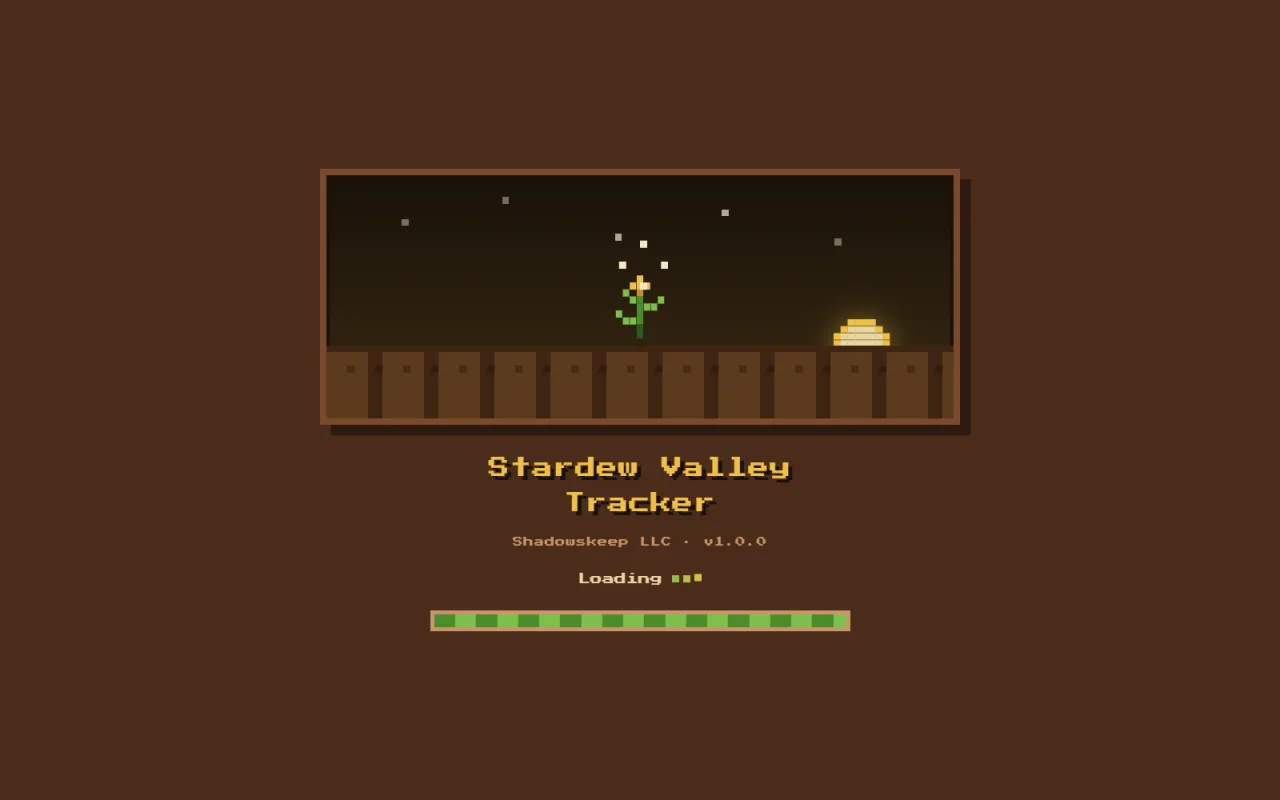
A pixel-art theme and an animated splash screen, with everything rendered at a comfortable 125% size.

[ screenshots ]

Stardew Valley Tracker screenshots

[ install ]

How to install Stardew Valley Tracker

  1. Download StardewValleyTracker-Setup.exe with the "Download for Windows" button.
  2. Run the installer. If Windows SmartScreen says "Windows protected your PC", click "More info" and then "Run anyway".
  3. Open Stardew Valley Tracker and start ticking things off. Your progress is saved on your PC as you go.

Prefer not to install anything? Download the portable zip instead. It needs no install.

[ faq ]

Stardew Valley Tracker FAQ

Is this a Stardew Valley Community Center checklist?

Yes. It lists every Community Center bundle in the Crafts Room, Pantry, Fish Tank, Boiler Room, Bulletin Board and Vault, plus the Missing Bundle. For each item it shows where to find it, the season, the weather and the time of day. The game uses the British spelling, Community Centre, so the app does too.

Does it help with 100% completion (Perfection)?

It covers several of the long checklists: every fish, the full museum collection, all 130 Golden Walnuts and the Community Center. It does not track shipping, cooking, crafting or friendships.

Is Stardew Valley Tracker free?

Yes. Stardew Valley Tracker is free to download and use, and you do not need an account. If it saves you time, you can support development on Buy Me a Coffee.

Does it work offline?

Yes. The app works fully offline and its fonts are bundled. Item sprites load from the Stardew Valley Wiki and are cached after the first time you view them.

Where is my progress saved?

Your progress is saved locally on your PC. There is no account and no cloud.

Why does Windows show a "Windows protected your PC" warning?

The installer is signed with a self-signed certificate, so Windows SmartScreen may show "Windows protected your PC" the first time you run it. Click "More info" and then "Run anyway" to continue. If you would rather not install anything, use the portable zip, which needs no install.

What is the difference between the installer and the portable zip?

The installer sets the app up on your PC. The portable zip needs no install. Both are published on the GitHub release page.

How do I update to a new version?

New versions are published on the GitHub releases page. The download buttons on this page always point to the latest release. The current version is 1.0.0.

Is this an official Stardew Valley app?

No. It is an unofficial fan-made tool and is not affiliated with or endorsed by ConcernedApe.

Support Stardew Valley Tracker development

If these tools save you time, you can support development with a coffee. It is completely optional.

Buy me a coffee

Credits & disclaimer

Item sprites are loaded from the Stardew Valley Wiki.

Stardew Valley Tracker is an unofficial fan-made tool. It is not affiliated with or endorsed by ConcernedApe. Stardew Valley is a trademark of ConcernedApe LLC.

Made by Nick Loubser under the ShadowsKeep name.

[ more ]

More from ShadowsKeep

NMS Tracker icon

NMS Tracker

Desktop appFree

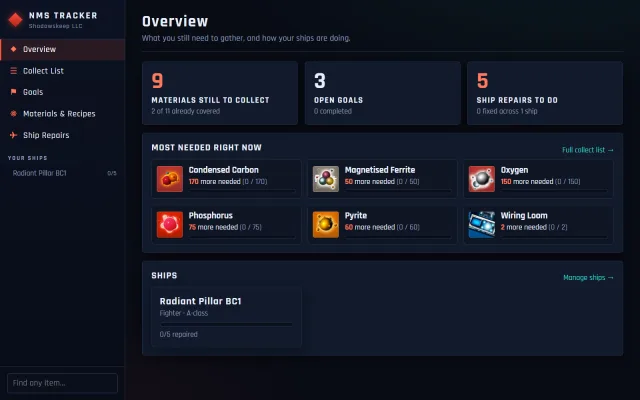
Know exactly what you still need to gather in No Man's Sky, and which ships are ready to fly.

  • One collect list for all your goals and ship repairs, minus what you own
  • 2,300+ items and 1,600+ refiner and cooking recipes
  • Reads your save file read-only to fill in inventory and damaged slots

Learn more about NMS Tracker

Horror Quest icon

Horror Quest

Discord ActivityFree

A murder most foul awaits — can you and your friends survive the mystery?

  • A unique AI-generated story, suspects and clues every game
  • 2 to 10 players vote together in a Discord voice channel
  • Scene images and voice narration for every chapter, no download

Learn more about Horror Quest